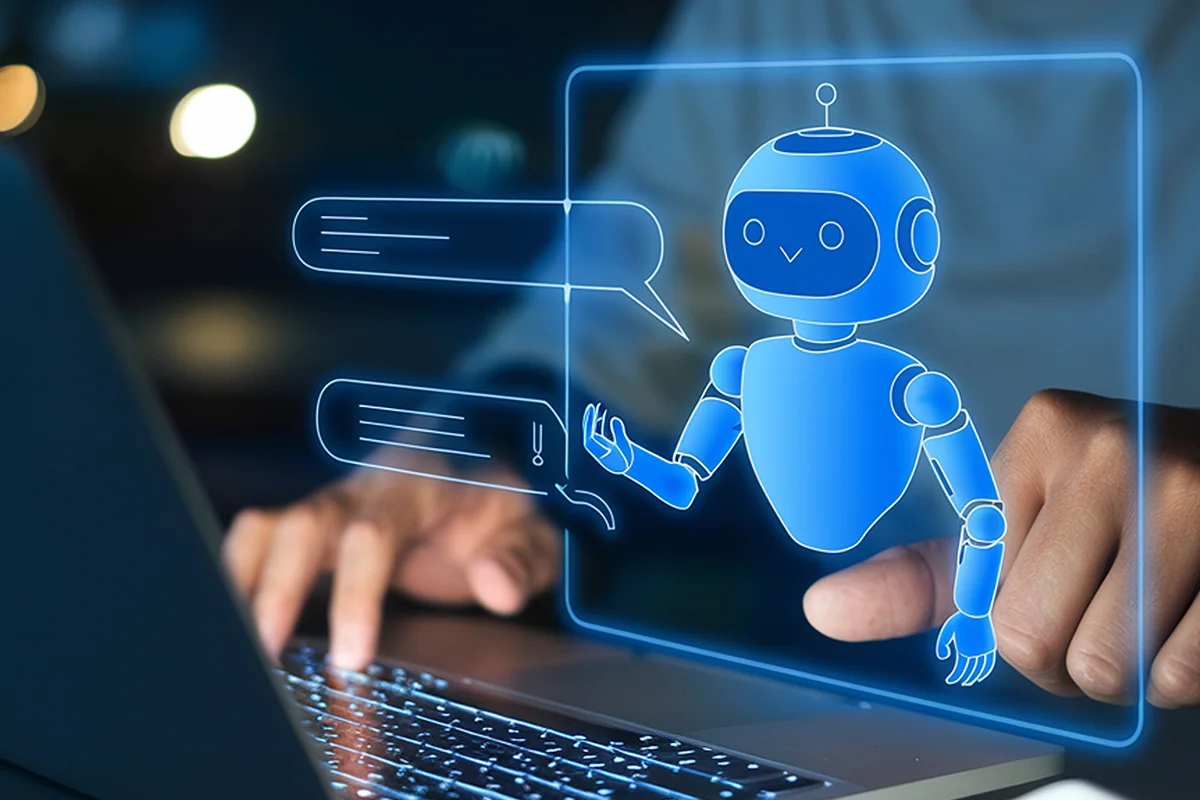

The AI-powered chatbots’ user experience is changing how customers search for information, request assistance, compare services, and interact with businesses online. Instead of forcing visitors to navigate complicated menus or wait for a staff member, a well-designed chatbot can understand everyday questions and guide users toward relevant answers.
For businesses in Martin County, Palm Beach County, Tampa, Jensen Beach, and Stuart, this technology can create a more accessible digital experience while supporting lead generation and customer service.
However, adding a chatbot to a website does not automatically improve the customer journey. Seizing the benefits of AI chatbots in user experience depends on strategy, useful content, intuitive interface design, reliable information, and a clear path to human assistance. Luckily, our team at Xperience Ai Marketing Solutions has been helping businesses design experiences around real customer needs rather than treating chatbots as a decorative website feature for over 20 years.
How AI-Powered Chatbots’ User Experience Creates Better Digital Journeys
Traditional chat systems often depend on predetermined buttons and rigid conversation trees. When a user asks an unexpected question, the interaction may stop or produce an irrelevant answer. Modern conversational AI can interpret intent more effectively, allowing users to communicate in language that feels natural rather than adjusting their questions to match a fixed menu.
For example, a prospective customer visiting a Stuart home-services website might ask, “Can someone provide an estimate at my property next week?” Useful chatbots improving user interaction in this scenario should identify the service request, ask for the necessary location and contact details, explain the next step, and offer scheduling assistance. The conversation should move the visitor forward instead of simply returning a generic link to a contact page.
This same principle of AI-powered chatbots user experience applies to professional services, healthcare practices, retailers, nonprofits, and other organizations. A chatbot can help users identify the appropriate service, locate information, begin an intake process, or connect with the right department. The experience becomes valuable when it reduces effort while preserving customer choice.
3 Major Benefits of AI Chatbots in User Experience
However, keep in mind that the goal of AI-powered chatbots in user experience is not to remove every human interaction. Automation should reserve human attention for higher-value conversations, unusual requests, and situations that require judgment or empathy. When designed correctly, the chatbot handles routine navigation so your staff members can focus on more complex customer needs.
Chatbots Improving User Interaction Through Better Design
Successful chatbots improving user interaction begin with informative onboarding. The opening message should identify the chatbot as an AI-powered assistant and explain what it can help the visitor accomplish. Transparency manages expectations and prevents users from assuming that they are communicating with a human representative.
Suggested prompts can make the experience easier to understand. Clickable options provide immediate direction, particularly for first-time visitors who may not know what questions the chatbot can answer, improving the AI-powered chatbot’s user experience. For example, a Palm Beach County professional-services firm might offer prompts such as “Explore services,” “Request a consultation,” “Ask about pricing,” or “Speak with the team.”
Your chatbot should also remain accessible without interrupting the visitor. An oversized window, repeated pop-ups, or aggressive opening messages can obscure important website content. The interface should support the page rather than dominate it, especially on mobile devices where screen space is limited.
Conversation length matters as well when it comes to chatbots improving user interaction. Long blocks of generated text can overwhelm users and make key information difficult to locate. The chatbot should provide concise answers, reveal additional details progressively, and use buttons, links, images, or other helpful interface components to improve comprehension.
AI Enhancing User Experience With Context and Personalization
The concept of AI enhancing user experience depends heavily on relevant context. Your chatbot should consider the page the visitor is viewing, the questions already asked, and the information already provided. Your users should not have to repeat their location, desired service, or previous question during the same interaction.
Consider a visitor reviewing user experience design services. If the chatbot recognizes that context, it can offer help related to UX assessments, conversion barriers, mobile usability, or consultation requests. When AI-powered chatbots’ user experience is page-aware, it makes the interaction more relevant than a generic greeting used everywhere on the website.
However, personalization should still respect appropriate boundaries. Businesses need clear rules governing what customer data is collected, how it is stored, and when it may be used. A chatbot should request only the information necessary to complete the current task and provide access to applicable privacy information.
An AI response should not sound more certain than the available information allows. When the chatbot cannot verify an answer, it should acknowledge the limitation, direct the user to an approved resource, or transfer the conversation to a qualified person.
Essential UX Features for Effective AI-powered Chatbots User Experience
Designing AI-powered chatbots for user experience requires more than just functional automation; it demands a thoughtful architecture that prioritizes user needs at every touchpoint.
While AI offers powerful capabilities, the success of these digital assistants hinges on specific design elements that ensure reliability, accessibility, and ease of use. By incorporating essential UX features, your business can create interactions that feel intuitive, respect the visitor’s time, and provide genuine value without unnecessary complexity.
Technical SEO aspects such as mobile performance, loading speed, and window placement should also be tested carefully to ensure your AI-powered chatbots improve user experience.
Businesses should establish rules for unsupported requests, sensitive information, inaccurate answers, and system failures. The conversational flow must include more than the ideal scenario. It should account for incomplete questions, spelling errors, unexpected responses, and customers who need a different form of assistance.
How to Implement a Chatbot in Your Website Without Creating Friction
To succeed with AI enhancing user experience, you should begin with a focused objective. For instance, a business may choose to improve service discovery, answer common questions, qualify leads, support existing customers, or simplify appointment requests. Whichever your goal is, a defined purpose keeps the chatbot useful and prevents the project from becoming an unfocused collection of features.
The next step is mapping customer conversations. Your business’s team should document common questions, desired outcomes, required information, and appropriate escalation points. These workflows can then inform the chatbot’s approved knowledge, prompts, buttons, responses, and integrations, enhancing the AI-powered chatbot’s user experience.
Then comes testing, which should involve real users whenever possible. A technically functional chatbot may still create a poor experience if its wording is confusing, its answers are too long, or its transfer process is difficult. Review sessions with beta-testers should evaluate whether the final users can complete important tasks without unnecessary steps.
A technically functional chatbot may still create a poor experience if its wording is confusing, its answers are too long, or its transfer process is difficult.
After launch, you should monitor unanswered questions, abandoned conversations, escalation patterns, lead quality, and customer feedback. These observations can guide improvements to content and conversation design. Chatbots improving user interaction only work when it’s treated as an ongoing UX process rather than a one-time installation.
Build a Better Chatbot Experience With XMS
Xperience Ai Marketing Solutions brings more than 20 years of experience in website design, online marketing, SEO and SEM, social media, branding, consulting, and reputation management. A chatbot performs best when it supports a complete digital strategy, including your website structure, customer journey, content, CRM processes, and conversion goals.
Our experienced team can help your business evaluate where conversational AI fits within your digital presence, identify useful customer workflows, and align the AI-powered chatbots’ user experience with broader website development services and custom web applications for growth.
For small and growing businesses in Martin County, Palm Beach County, Tampa, Jensen Beach, Stuart, and throughout the United States, the right chatbot strategy can turn routine website visits into productive conversations. Contact us today to discuss a more intuitive, helpful, and conversion-focused customer experience or explore the full range of XMS digital marketing services.
Contact Us TodayFollow us on social media and stay updated about the latest marketing game-changers: